
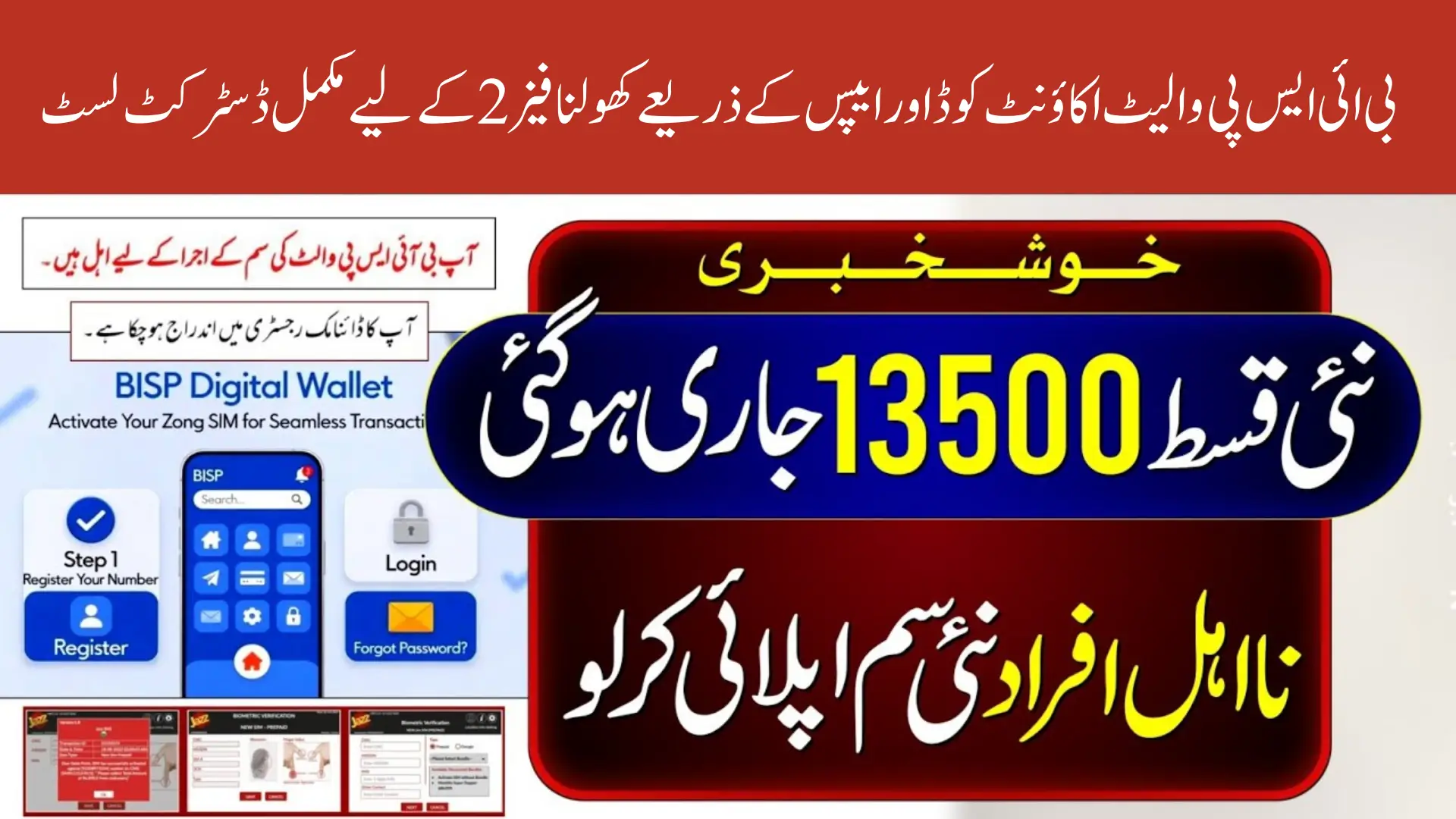
BISP Wallet Account Opening via Code
BISP Wallet Account Opening via Code has launched the BISP Wallet Account system to make payments easier, faster, and more secure for beneficiaries. This new approach allows women to open their wallet accounts using either mobile apps or a simple code if they do not have a smartphone. The main purpose of this digital system is to reduce long queues at payment centers and ensure that financial assistance reaches the rightful person without any delays. Through this wallet, beneficiaries can manage their payments in a safer and more modern way.
This upgrade is part of the government’s broader plan to improve digital access for low-income families. Instead of relying only on agents and physical centers, beneficiaries now have direct control over their wallet. The rollout is happening in different phases to ensure that the system remains organized and functions smoothly. Currently, the service is available in selected Phase 2 districts, which will allow thousands of families to experience convenient digital payments for the first time.

You Can Also Read: BISP Free SIM Distribution Begins: Union Council
BISP Wallet Setup Through Mobile Apps
Beneficiaries who own an Android smartphone can easily activate their wallet using trusted mobile financial applications. These apps offer a quick verification process where users enter their CNIC, confirm their SIM, and create a secure PIN to protect their account. By integrating multiple apps into the system, BISP has ensured that every beneficiary can select the platform that is easiest for them, depending on their area and mobile network.
The strength of this method lies in its flexibility and convenience. Once the wallet is activated, users can instantly check their balance, receive payments, and perform different financial tasks without waiting for SMS alerts or traveling to agents. The app-based method is faster than any manual process and provides greater visibility over payment history, security settings, and account details.
Available apps for activation:
- Easypaisa
- JazzCash
- HBL Connect
- Alfapay
Wallet Activation Using Smartphone Apps
Opening a wallet through a mobile app provides beneficiaries with a smooth and guided experience. The process usually takes a few minutes because all steps are automated. Users just need to follow the instructions shown inside the app. Once verification is complete, the wallet becomes active and ready to receive BISP payments immediately. This system reduces the chances of errors and helps beneficiaries manage their accounts without depending on any agent.
Another major benefit of using a smartphone app is real-time updates. Beneficiaries receive instant notifications regarding payment deposit, transactions, or wallet activity. This helps them keep better track of their funds and avoid confusion. Apps also offer customer support directly inside the platform, making it easier to resolve small issues without visiting any office.
Steps to activate wallet through app:
- Install any supported digital wallet app
- Enter CNIC and verify mobile number
- Complete biometric or SMS verification
- Create a secure four-digit PIN
- Wait for activation confirmation within the app
You Can Also Read: BISP Beneficiary Notice Wrong-District SIM May
Manual Activation Through USSD Code
For beneficiaries without smartphones, the government has provided a manual method using a USSD code. This process does not require internet, which makes it suitable for rural areas where connectivity is weak. Using this code, beneficiaries can easily open their wallet account by following simple steps shown on the mobile screen. It is a fast and reliable method designed especially for women who use basic mobile phones.
The USSD method ensures that no one is left behind due to lack of digital devices. As long as the SIM is registered in the beneficiary’s name, they can activate and use the wallet through a keypad phone. Once activated, they will receive SMS alerts related to payments, balance checks, and transaction details. This makes financial access possible for everyone, regardless of the type of phone they use.
USSD activation steps:
- Dial the official BISP code on any mobile
- Enter CNIC number
- Confirm verification through SMS
- Set an MPIN for security
- Wallet becomes active for transactions
You Can Also Read: BISP Announces SIM Phase: Beneficiaries
Phase 2 Districts Under the BISP Wallet System
The BISP Wallet Account activation is currently available only in selected Phase 2 districts. The government has divided these districts into three zones: Central, North, and South. Beneficiaries living in these areas can activate their wallets through apps or USSD code without waiting for future phases. The district list helps beneficiaries confirm whether their area is included in the rollout or not.
These districts were chosen based on technical readiness, network coverage, and monitoring system availability. The government will continue adding more districts in Phase 3 and later expansions. For now, families in Phase 2 areas can benefit from full access to the new digital payment features.
You Can Also Read: South Punjab Livestock Scheme 2025 Applications
Phase 2 Districts Table
| Zone | Districts |
|---|---|
| Central Zone | Gujranwala, Nankana Sahib, Okara, Sahiwal, Toba Tek Singh |
| North Zone | Gujrat, Mianwali |
| South Zone | Bahawalnagar, Layyah, Lodhran, Pakpattan, Rajanpur (Jampur), Vehari |
Eligibility for Wallet Activation
To use the BISP Wallet, beneficiaries must meet certain basic requirements. These checks ensure that payments are delivered only to the correct individuals. The most important requirement is that the SIM must be registered under the beneficiary’s CNIC. Without a verified SIM, the system will not allow wallet activation, whether through apps or USSD code.
Beneficiaries should also make sure their CNIC is updated and valid. If their district is included in Phase 2, they can immediately start the activation process. For those outside these districts, the service will become available once their region is added in future phases.
Basic eligibility conditions:
- Must be an active BISP Kafaalat beneficiary
- CNIC must be valid
- SIM must be registered in beneficiary’s name
- Residing in a Phase 2 district
You Can Also Read: Kisan Khushal Punjab Khushal Kisan Card Phase 3
How to Confirm Wallet and SIM Status
Before beginning wallet activation, beneficiaries should verify whether their SIM is registered under their own name. This step is important for maintaining security and preventing unauthorized access. If the SIM is not registered, the beneficiary must visit a nearby franchise to update ownership. Once SIM registration is confirmed, users can check the status of their wallet within minutes.
Beneficiaries can confirm their activation status through both apps and the manual USSD method. If any issue appears, they can reconnect to the system or reset their verification. The process is designed to be simple and user-friendly so beneficiaries can understand each step easily.
Ways to check status:
- Dial USSD code to verify SIM
- Check verification status inside the app
- Contact the BISP helpline if needed
What Beneficiaries Can Do With the BISP Wallet
The BISP Wallet gives beneficiaries complete control over their payments. Instead of depending on agents or waiting for long hours, users can now manage their funds directly from their mobile phone. This reduces unnecessary deductions, saves time, and improves transparency. With a digital wallet, managing payments becomes safer and more convenient.
The wallet system also helps beneficiaries make small payments, pay bills, or top-up their mobile balance. As digital usage increases, this wallet can support more government payments and schemes in the future. It creates a secure financial identity for every beneficiary, which can support them in other digital services as well.
You Can Also Read: BISP 8171 Validation December Payment Check
Available features:
- Receive payment directly in wallet
- Check balance anytime
- Withdraw cash from authorized agents
- Pay utility bills or mobile load
- Send small amounts to family members
Security Guidelines to Protect Your Wallet
Security is an important part of the BISP Wallet system. Beneficiaries must take simple precautions to keep their wallet safe. The PIN or password should never be shared with anyone, and users must only download official apps. Any unusual message or call asking for personal details should be treated as suspicious.
Beneficiaries should also avoid giving their mobile phone to strangers or unauthorized individuals. If they suspect any issue, they can immediately change their PIN or contact customer support. These measures help protect the wallet from misuse and maintain full control over the account.
Security tips:
- Never share your PIN, password, or OTP
- Use only official financial apps
- Keep your CNIC and SIM information private
- Contact support immediately if something seems wrong
You Can Also Read: Major BISP Action: 2.6 Million Illegal Deductions Uncovered
Common Issues and Their Solutions
Beneficiaries may face some issues during wallet activation. These issues are usually small and can be resolved quickly. Most problems occur due to poor network signals, outdated SIM registration, or incorrect CNIC entry. Understanding these issues helps beneficiaries continue the process without confusion.
The system also provides easy troubleshooting steps inside the app. If a beneficiary cannot resolve the issue on their own, they can contact customer support for quick help. This ensures that every user receives proper guidance throughout the process.
Common issues and fixes:
- CNIC not verifying: Restart or retry after better signal
- SIM not registered: Update SIM ownership
- OTP not received: Move to an area with stronger signal
- PIN locked: Use reset option or call support
Official Support Options
Beneficiaries can receive help from several official platforms. These support systems are designed to answer questions, verify issues, and guide users through the wallet setup process. Official helplines and centers are trained to handle BISP-related queries, which ensures beneficiaries receive accurate information.
If a beneficiary is unsure about any step, they can visit a nearby agent or contact the mobile wallet’s support team. Using official channels prevents misinformation and keeps beneficiaries safe from fraud. Support teams are available throughout the week to assist with activation or payment issues.
You Can Also Read: Zarkhez-e Asaan Digital Zarai Qarza
Support sources:
- BISP helpline
- Easypaisa, JazzCash, HBL Connect support
- Nearby SIM franchise
- Authorized BISP agents
Conclusion
The BISP Wallet Account system is an important step toward modernizing payment services for millions of beneficiaries. With both app-based and manual code activation options, every beneficiary can access their payments securely and conveniently. Phase 2 districts now have full access to this system, allowing families across Central, North, and South Zones to manage their financial assistance without difficulty. As the system expands, more beneficiaries across Pakistan will benefit from this advanced and secure digital solution.