
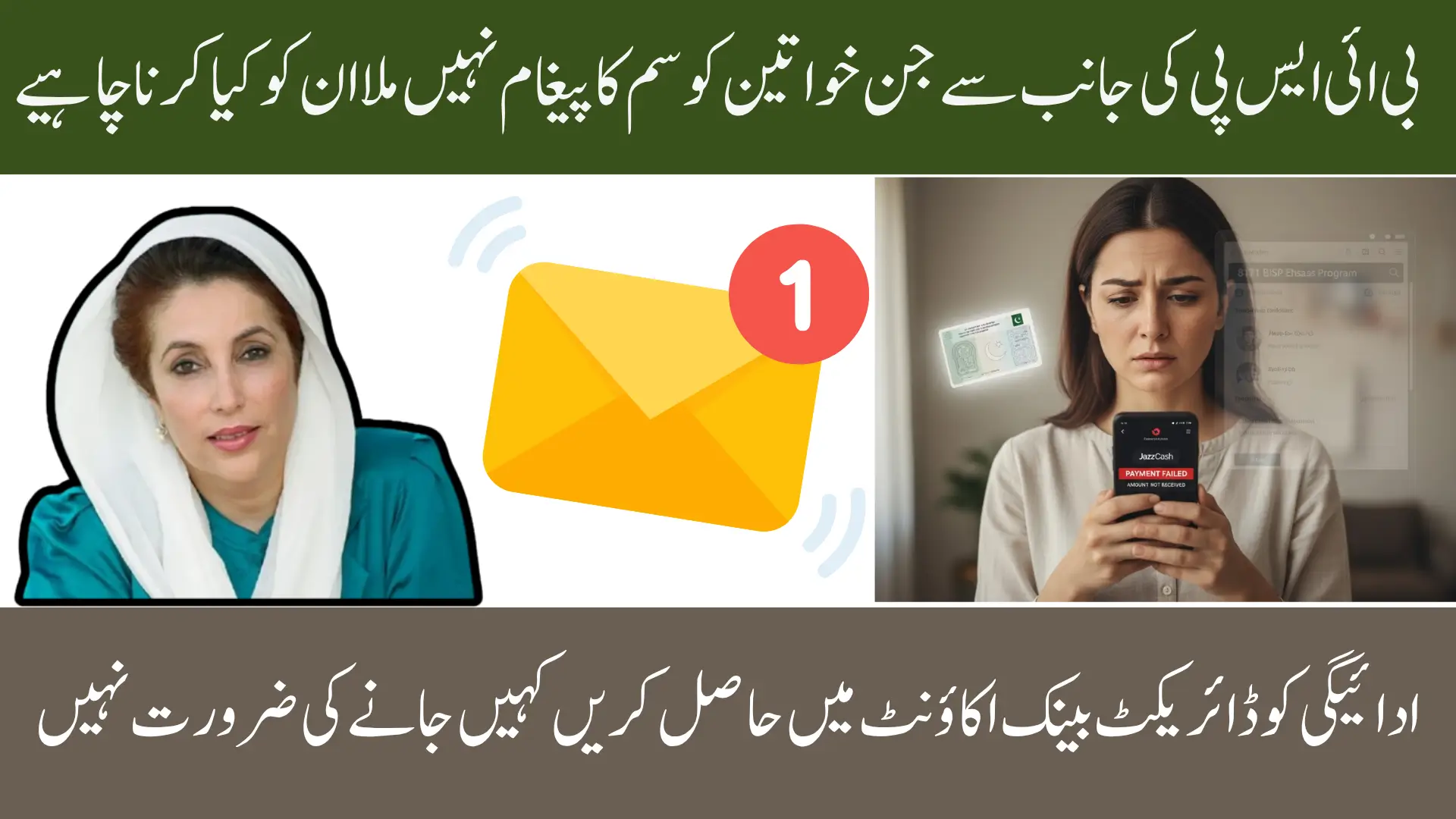
BISP Payment Missing Wallet
BISP Payment Missing Wallet Many beneficiaries in 2025 face the problem of their BISP payment not appearing in digital wallets such as JazzCash, Easypaisa, or NayaPay, even though the 8171 web portal shows the payment as approved or released. This is a common issue caused by slight verification delays, data mismatches, wallet sync problems, or temporary server errors. While this situation can be alarming, it is almost always temporary and can be resolved through a series of simple troubleshooting steps. By following the right procedure, your payment can be visible in your wallet within minutes, saving you unnecessary stress.

This guide provides a complete solution for beneficiaries experiencing this problem. You will learn why payments are not visible, how to check the portal, refresh your wallet, re-link your CNIC, and when it is necessary to visit a BISP center. The step-by-step approach is designed to be simple, clear, and actionable so that any user can resolve the issue without technical assistance.
You Can Also Read: Asaan Karobar Eligibility Criteria For Without Interest Loan
Why BISP Payment Doesn’t Show in Your Wallet
One of the main reasons payments do not appear in wallets is pending CNIC verification. If your CNIC is not verified properly in the BISP or Ehsaas system, the wallet will not fetch your payment information, even though the portal might show the payment as released. This verification ensures that payments reach the correct recipient and helps prevent fraudulent activity.
Another reason is wallet-server synchronization issues. Digital wallets rely on real-time updates from BISP servers. Sometimes these updates are delayed due to high traffic, temporary server errors, or app caching problems. In such cases, the wallet will not display the payment even though it is already issued by the BISP system. Updating the wallet app and refreshing your account often resolves this problem.
Payment cycle delays also play a role. BISP disburses funds in scheduled cycles, and some beneficiaries’ payments may be approved but not yet forwarded to wallets. This can occur due to national holidays, system maintenance, or regional prioritization. In addition, a wrong mobile number linked to your CNIC can prevent your wallet from fetching the payment, requiring you to update your number on the 8171 portal.
You Can Also Read: Verify Your November 2025 Bisp Payment Of Rs. 13,500
Other common reasons include:
- Account temporarily blocked or flagged
- App version outdated causing sync issues
- Cached wallet data not reflecting the latest payment
- Minor mismatches between CNIC, mobile number, and wallet account
Quick Fix Summary – Solve the Issue Instantly
For users who want an immediate solution, certain steps can quickly restore payment visibility. In most cases, performing these actions takes less than ten minutes. They include re-verifying your CNIC, refreshing your wallet, and checking your mobile number. A systematic approach ensures that you do not have to visit the BISP center unnecessarily.
Below is a table summarizing the most common issues and their direct solutions:
| Issue | Quick Fix | Expected Time to Resolve |
|---|---|---|
| CNIC not verified | Re-verify biometrics at BISP/Ehsaas center | 10–20 minutes |
| Wallet not syncing | Logout → restart app → login again | 2–5 minutes |
| Wrong mobile number | Update number on 8171 portal | Same day |
| Payment cycle delay | Check portal for next installment date | 24–48 hours |
| Account blocked | Visit BISP center with CNIC and wallet screenshots | Same day–few days |
These solutions provide a quick reference and are often sufficient to solve most wallet payment issues. Following them systematically ensures that the real cause is identified before taking further action.
You Can Also Read: Punjab Schools Introduce New Winter Timings
Check 8171 Portal First – Confirm Eligibility and Payment Release
The first step in troubleshooting is always to check the official 8171 portal using your CNIC. This allows you to confirm whether your payment is approved, pending, or requires additional verification. The portal acts as the authoritative source for payment information, and it shows messages such as “Eligible”, “Payment Released”, or “Verification Required”.
If the portal shows a payment date, but your wallet does not reflect the amount, it usually means that the installment has been approved but has not yet reached your digital wallet. If the portal indicates “verification pending”, completing biometric verification or updating information is necessary. Occasionally, the portal may display outdated information, but this usually refreshes within 24 hours after system updates.
Things to check on the portal:
- Eligibility status
- Payment release date
- Required verification
- Mobile number linked to CNIC
- Last update timestamp
Refresh Your Digital Wallet – Force Sync With BISP Servers
Refreshing your wallet is one of the simplest ways to solve payment display issues. Many beneficiaries do not see their payments due to cached data or wallet-server delays. Performing a logout-login cycle forces the wallet to fetch updated information from the BISP system.
It is also important to ensure that your wallet app is updated to the latest version. Older versions may fail to properly sync with BISP servers or display payment information accurately. Updating the app, clearing cached data, and restarting the device generally resolves most issues.
Steps to refresh your wallet:
- Update wallet to the latest version (JazzCash/Easypaisa/NayaPay)
- Clear app cache and force stop the app
- Restart your phone
- Log in again and check payment status
You Can Also Read: BISP Wallet Sim 8171 Activation for Jazz & Telenor Users
Re-Link Your CNIC With Wallet Account
If your CNIC is not properly linked to your wallet, payments will not appear. Wallets require a match between the CNIC, SIM registration, and BISP record. Even a minor mismatch can result in payment visibility errors.
To re-link your CNIC, open the wallet app and navigate to Account Settings or KYC Update. Enter your CNIC and follow verification steps. After confirmation, your wallet should automatically display any pending or released payments. This step is especially important if your mobile number was recently changed or your wallet account was updated.
Reasons CNIC re-linking is required:
- Mobile number recently changed
- SIM not registered under beneficiary name
- Previous wallet account deactivated
- CNIC details updated in BISP but not in wallet
Check Payment Cycle & BISP Release Window
Payments may not appear simply because the BISP payment cycle has not yet released your installment. The 8171 portal typically provides a payment release date. Even if your eligibility is confirmed, your wallet may not show the payment until your cycle begins.
Delays can occur during system maintenance, public holidays, or high network traffic periods. Understanding the cycle prevents unnecessary visits to BISP centers. Patience is often all that is required when the payment is approved but pending release.
You Can Also Read: BISP Re-verification 2025 For December Payment
Indicators of a cycle-related delay:
- Wallet shows no payment
- Portal confirms eligibility
- No “Payment Issued” message
- Next cycle date visible on dashboard
Wallet-Specific Tips to Resolve Issues
Different digital wallets have unique methods for resolving CNIC verification and payment sync problems. Understanding these differences can save time and prevent repeated errors.
Tips per wallet:
- JazzCash: Re-verify CNIC in “Profile Settings”, ensure app updated
- Easypaisa: Update SIM registration info if mobile number has changed
- NayaPay: Clear cache and restart app for updated payment visibility
- Bank wallets: Ensure bank KYC matches BISP/NADRA records
Additional precautions include keeping your wallet logged in with the correct SIM, enabling notifications for payment updates, and avoiding multiple wallet accounts for BISP payments.
You Can Also Read: BISP Wallet SIM 8171 Complete Guide 13500 Installment
Visit BISP Center Only If Necessary
If the payment is still missing after following all the above steps, visit the nearest BISP or Ehsaas Dynamic Registration Center. Some accounts require manual verification, particularly if there are discrepancies in household information, CNIC details, or blocked accounts. Visiting the center allows officers to update biometric status, re-verify CNIC, or correct mobile number links.
Documents to bring:
- Original CNIC
- Registered mobile SIM
- Wallet screenshots showing missing payment
- 8171 portal screenshots
- Any previous payment receipts
FAQ
Why is my payment not showing in the wallet?
Mostly due to CNIC mismatch, wallet sync issues, or pending verification.
Will reinstalling the wallet help?
Yes, it forces a fresh sync with BISP servers and often resolves the issue.
Can I change my mobile number for BISP payments?
Yes, update it via 8171 portal or at a BISP center.
How long do payment delays last?
Typically 24–48 hours depending on payment cycle and server updates.
Is biometric verification required every cycle?
No, only when the system detects mismatches or flags your account.
Which wallets support 8171 payments?
JazzCash, Easypaisa, NayaPay, and bank wallets linked with BISP.
You Can Also Read: Sarsabz Punjab Scheme 2025
Conclusion
Most cases of BISP payments missing from wallets are temporary synchronization issues. Following a systematic approach — checking the 8171 portal, refreshing the wallet, re-linking CNIC, and confirming the payment cycle — resolves the majority of issues quickly. If payments are still not visible, visiting the nearest BISP center ensures manual verification and resolution. Keeping CNIC and wallet details updated and maintaining proper app versions prevents recurring problems.