
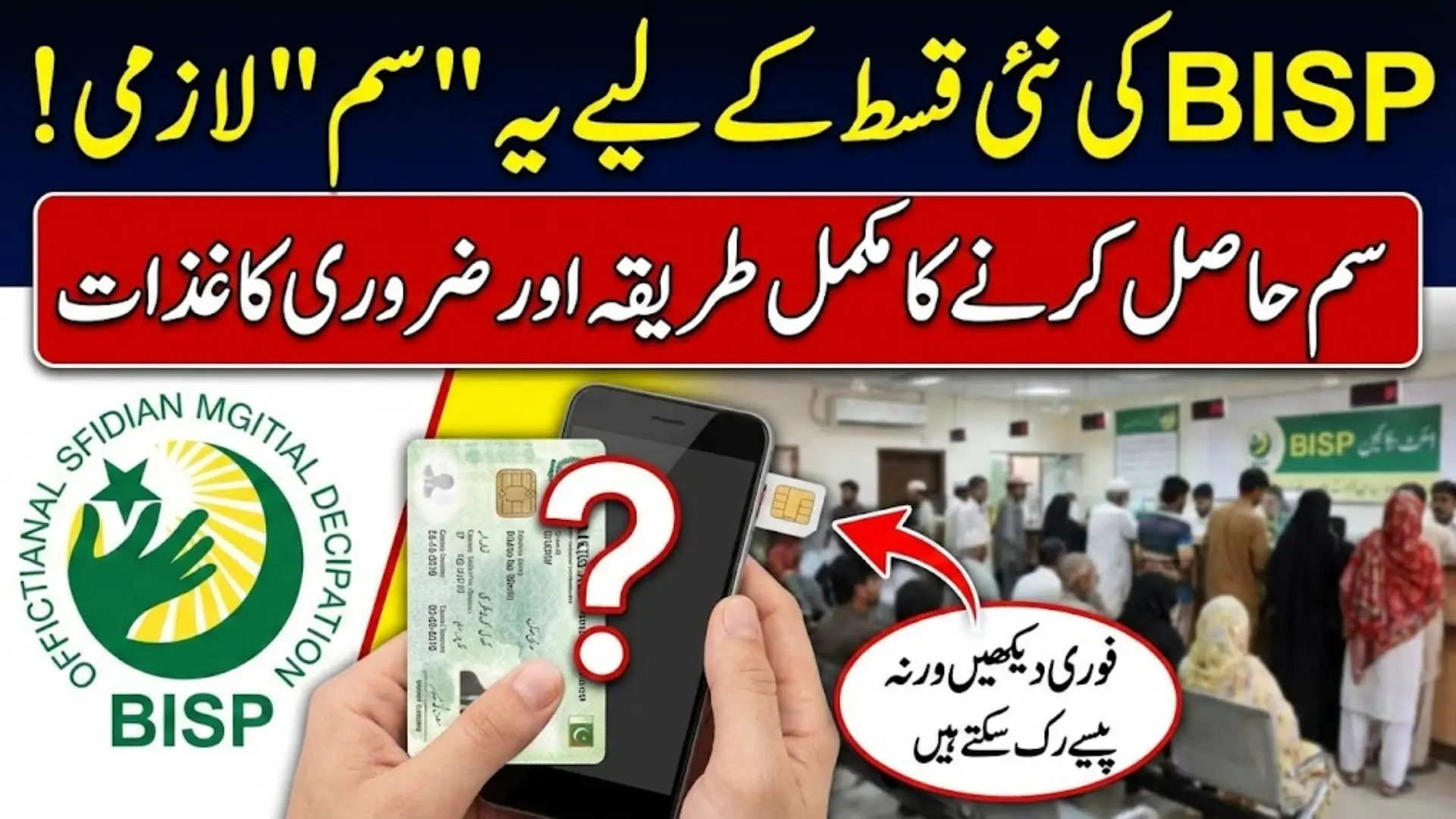
BISP Digital Wallet SIM Requirements
BISP Digital Wallet SIM Requirements has been introduced to make the payment system faster, safer, and easier for beneficiaries across Pakistan. Many people are confused about how to receive the SIM card required for Digital Wallet payments, especially those who have not yet received their SIM. To solve this issue, BISP has created a complete verification and SIM distribution system through its offices and RIM camps. Understanding the SIM requirements, the documents you must carry, and the step-by-step process can help you avoid delays and receive your funds without any long queues or repeated visits.

This guide explains every part of the process in simple language. Whether you are checking your eligibility, gathering documents, or visiting the office, this article covers all the important details. By the end, you will know exactly what to bring, what steps to follow, and how your SIM will be activated for Digital Wallet payments.
You Can Also Read: BISP Mobile Number Correction Procedure
Check Your Eligibility on the BISP Portal
The most important step before going to any BISP or RIM office is checking your eligibility on the official portal. The portal will show whether you are approved for payments and whether you qualify for a Digital Wallet SIM. If your status does not show “Eligible,” the office will not be able to issue the SIM until the records are updated.
When you open the portal and enter your CNIC number, you will see a clear status message. This message tells you if your registration is complete and whether you are selected for SIM issuance. If you see any error such as incorrect data or incomplete registration, you should update your information before visiting the office. This ensures the process goes smoothly and prevents unnecessary delays.
You Can Also Read: Faysal Bank Remittance Market Ranking
What to Look for in Your Portal Status
- Eligibility for BISP payment
- Eligibility for Digital Wallet SIM
- Any required document updates
- Registration confirmation
These details help you understand whether you can collect your SIM immediately or need to complete another step first.
Information You Must Bring With You
When visiting the BISP office, having complete and correct information helps the staff verify your identity quickly. Your details must match the data stored in the BISP system, or your SIM request may be delayed. For example, if your CNIC information differs from what the portal shows, you may be asked to update your record first.
Along with your identification details, it is helpful to carry your existing mobile number and reference ID if you have one. This speeds up the verification process because staff will not need to search through your data manually. Being prepared also reduces your waiting time at the office.
You Can Also Read: BISP Digital Wallet Activation: Step-by-Step Code Guide
Important Information Checklist
- Full name as recorded in BISP data
- Valid CNIC number and expiry date
- Registered mobile phone number
- BISP application or reference number
Having these details ready ensures smooth processing at the verification counter.
Required Documents for Receiving Your BISP SIM
To receive your Digital Wallet SIM, you must bring certain documents to the office. These documents help staff confirm your identity and prevent any misuse of the system. The original CNIC is the most important document because biometric verification is part of the process. Photocopies are also needed for office records.
In some cases, BISP may request a proof of residence or guardian details. This usually happens when the beneficiary is a minor or the CNIC details appear incomplete. Carrying all documents ensures you can complete the process in one visit.
You Can Also Read: BISP Payment Stoppage Warning – Wallet Registration
Document Checklist
- Original CNIC for biometric verification
- One or two photocopies of the CNIC
- BISP registration slip or confirmation (if available)
- Mobile phone for SIM insertion
- Guardian CNIC for minor beneficiaries
These documents help finalize your SIM issuance without delay.
Document Summary Table
| Document Required | Why It Is Needed |
|---|---|
| Original CNIC | To verify identity and perform biometric checks |
| CNIC Photocopies | For office record and internal processing |
| BISP Slip (if any) | Confirms beneficiary registration details |
| Mobile Phone | For SIM activation and insertion |
| Guardian CNIC | Needed for minor beneficiaries |
You Can Also Read: BISP Free SIM & Payment Problems: How to Fix
Visiting the Nearest BISP or RIM Office
After confirming eligibility, the next step is to visit your nearest BISP office or RIM payment campsite. These centers are responsible for distributing SIM cards and verifying beneficiary details. It is important to visit the correct center because not every office handles Digital Wallet SIM activation. When you arrive, staff will guide you to the verification counters and explain the steps.
Preparing for the office visit helps you stay calm and confident. Carry your documents in a file and ensure your mobile phone is charged. The staff will check your portal status, verify your CNIC, and guide you through the SIM issuance process. If your documents are complete, the process becomes quick and simple.
Tips for Visiting the Office
- Carry original documents and copies
- Bring your mobile phone
- Visit earlier in the day to avoid long crowds
- Keep a screenshot of your portal status
Being prepared helps you complete the SIM process in one visit.
Step-by-Step Process of Getting Your BISP SIM
Once you are at the office, the staff follows a clear procedure to issue the SIM. First, your documents and portal status are reviewed. After this, biometric verification is performed to confirm your identity. This step is extremely important because it ensures the SIM reaches the correct beneficiary.
After biometric verification, the staff will insert the newly issued SIM into your mobile phone. They will also provide instructions about how the Digital Wallet works, how your payments will be credited, and what to expect during the activation period. This helps you understand the entire process and avoid confusion later.
You Can Also Read: CM Punjab Bewa Sahara Card Required Documents
Steps Followed at the Office
- Verification of portal status
- Biometric fingerprint authentication
- Issuance and insertion of Digital Wallet SIM
- Explanation of activation timeline and usage
These steps ensure that your identity and eligibility are fully confirmed.
SIM Activation Timeline and Payment Release
Your SIM does not activate immediately after issuance. BISP follows a complete verification cycle that takes around one month. During this period, all your details, biometric data, and wallet information are processed through the system. Once the activation cycle is complete, your Digital Wallet becomes fully functional.
After activation, you can receive both new and pending payments directly into your wallet. This means you no longer need to stand in long payment lines. The Digital Wallet system is designed to make the payment experience more comfortable, especially for women and elderly beneficiaries.
Why SIM Requests Get Rejected
There are several reasons why BISP may not issue the SIM during your visit. The most common reason is mismatched or outdated information. If your CNIC does not match the data in the BISP system, the staff cannot complete verification. Similarly, an expired CNIC also results in delays.
If your status does not show “Eligible,” the office will instruct you to complete the required updates first. By resolving these issues early, you can avoid wasting time and ensure a smooth SIM issuance process.
Common Rejection Reasons
- CNIC mismatch or outdated information
- Incomplete BISP registration
- Expired CNIC
- Incorrect mobile number on record
- Portal status not showing eligible
Keeping your records updated helps prevent these problems.
How to Avoid Delays in the Process
Most delays happen because beneficiaries arrive without proper documents or with incorrect information. To avoid this, prepare everything beforehand. Bringing photocopies, your mobile phone, and a screenshot of your portal status ensures the office can verify your details quickly. This not only saves your time but also reduces crowding at the office.
If you arrive late in the day, processing may slow down due to long queues. Visiting the office early helps you complete the process faster. Preparing everything in advance ensures a smooth and stress-free experience.
Helpful Tips to Save Time
- Bring original CNIC and photocopies
- Keep your phone charged
- Visit during morning hours
- Verify your status before leaving home
These simple steps significantly reduce office delays.
Conclusion
The BISP Digital Wallet SIM is an important step toward modern, secure, and convenient payment distribution. By checking your eligibility, preparing the required documents, and following the office verification process, you can complete the entire procedure smoothly. Once your SIM is activated, receiving payments becomes easier and faster than ever before. If you have not yet completed this process, visit your nearest BISP or RIM office today and finalize your Digital Wallet registration.